◆ BEFORE YOU START
Get your stats ready
Export from GameChanger
WaxPack reads the GameChanger Leaders Report CSV. Before creating your account, open your GameChanger league, navigate to All Players, and click Export Stats in the top-right corner. Save the file somewhere handy — you'll upload it in Step 6.

GAMECHANGER · ALL PLAYERS · EXPORT STATS ↗
◆ ACCOUNT SETUP
Create your account
Create your account
Head to waxpackstats.com and click Try WaxPack Free →. You can sign up with Google in one click, or use an email and password. Your first stats upload is free — no credit card required at this step.
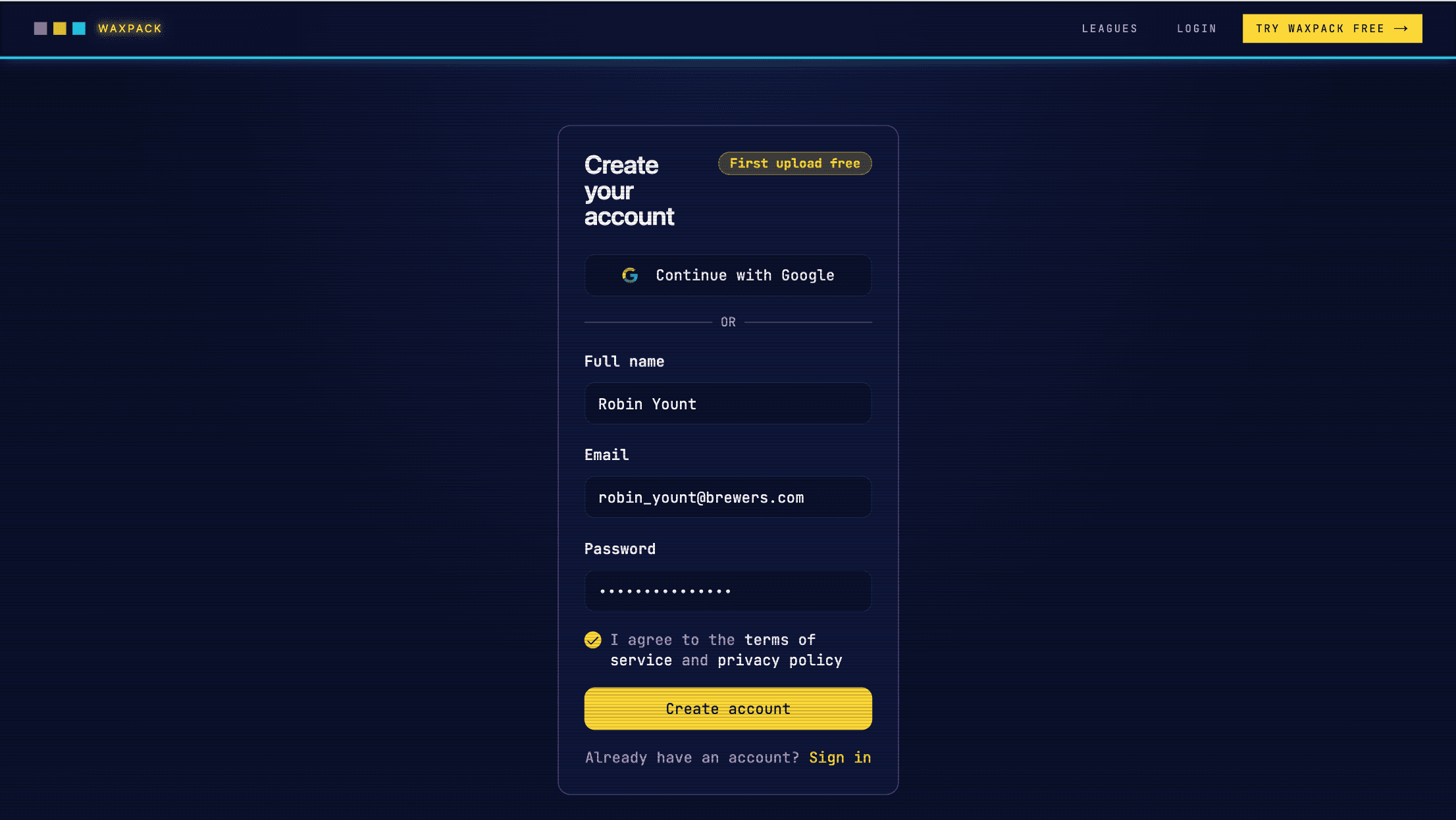
WAXPACKSTATS.COM · CREATE YOUR ACCOUNT
Confirm your email
Check your inbox for a confirmation from WaxPack. Click Confirm your mail to activate your account and continue to league setup. If you don't see it within a minute, check your spam folder.
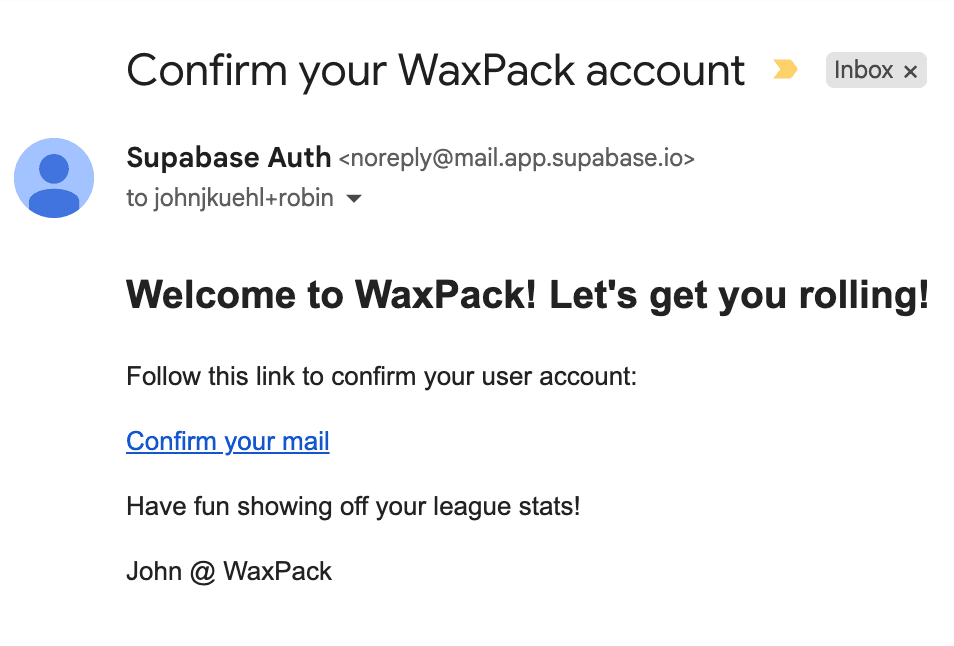
YOUR INBOX · CONFIRM YOUR WAXPACK ACCOUNT
◆ LEAGUE SETUP · ONE TIME
Set up your league
Name your league
After confirming your email you'll land in the four-step league setup wizard. First, give your league a name — this is what players and parents will see on your public stats page. WaxPack auto-fills your public URL slug from the name. Choose your sport and click Create league & continue →.
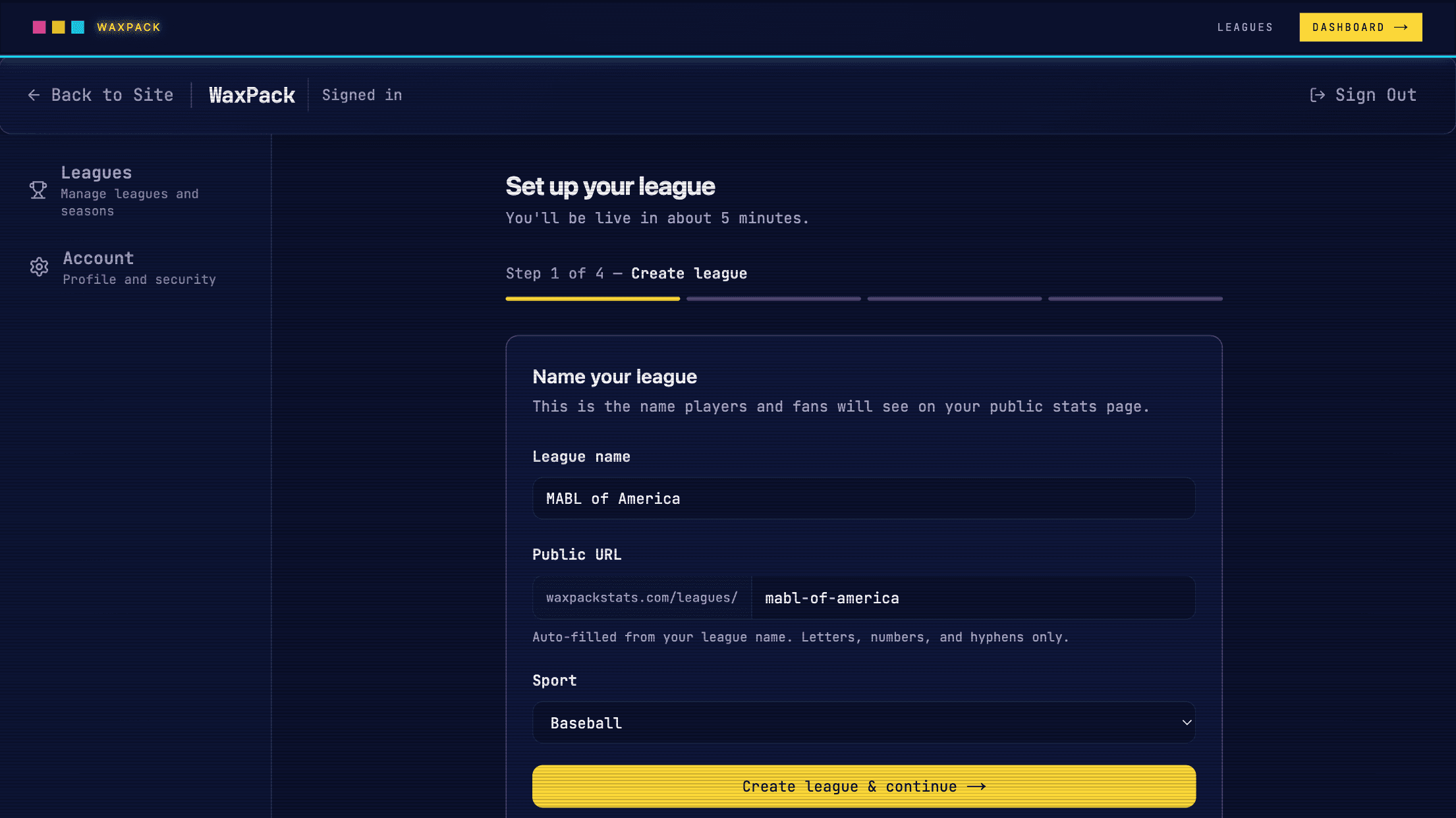
DASHBOARD · SET UP YOUR LEAGUE · STEP 1 OF 4 — CREATE LEAGUE
Brand your league
Upload your league logo and pick your primary and secondary colors. These appear on your public stats page header, player cards, and social share images. All fields are optional — you can skip and update branding any time from Settings.
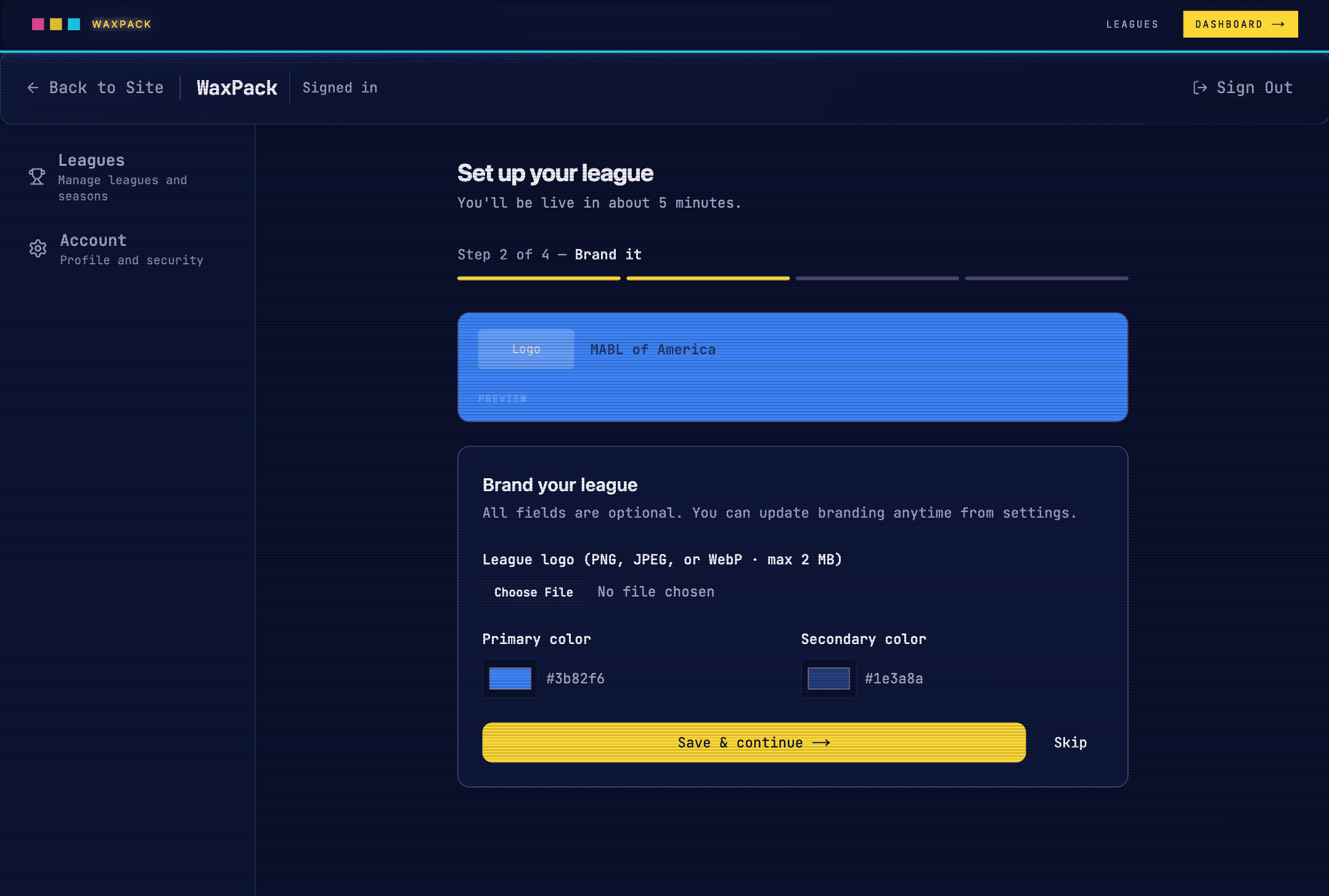
DASHBOARD · SET UP YOUR LEAGUE · STEP 2 OF 4 — BRAND IT
Create your first season
Give your current season a name — something like “2026 Summer Season” — and set the year. Seasons keep your stats organized over time. You can add additional seasons from the league dashboard later.
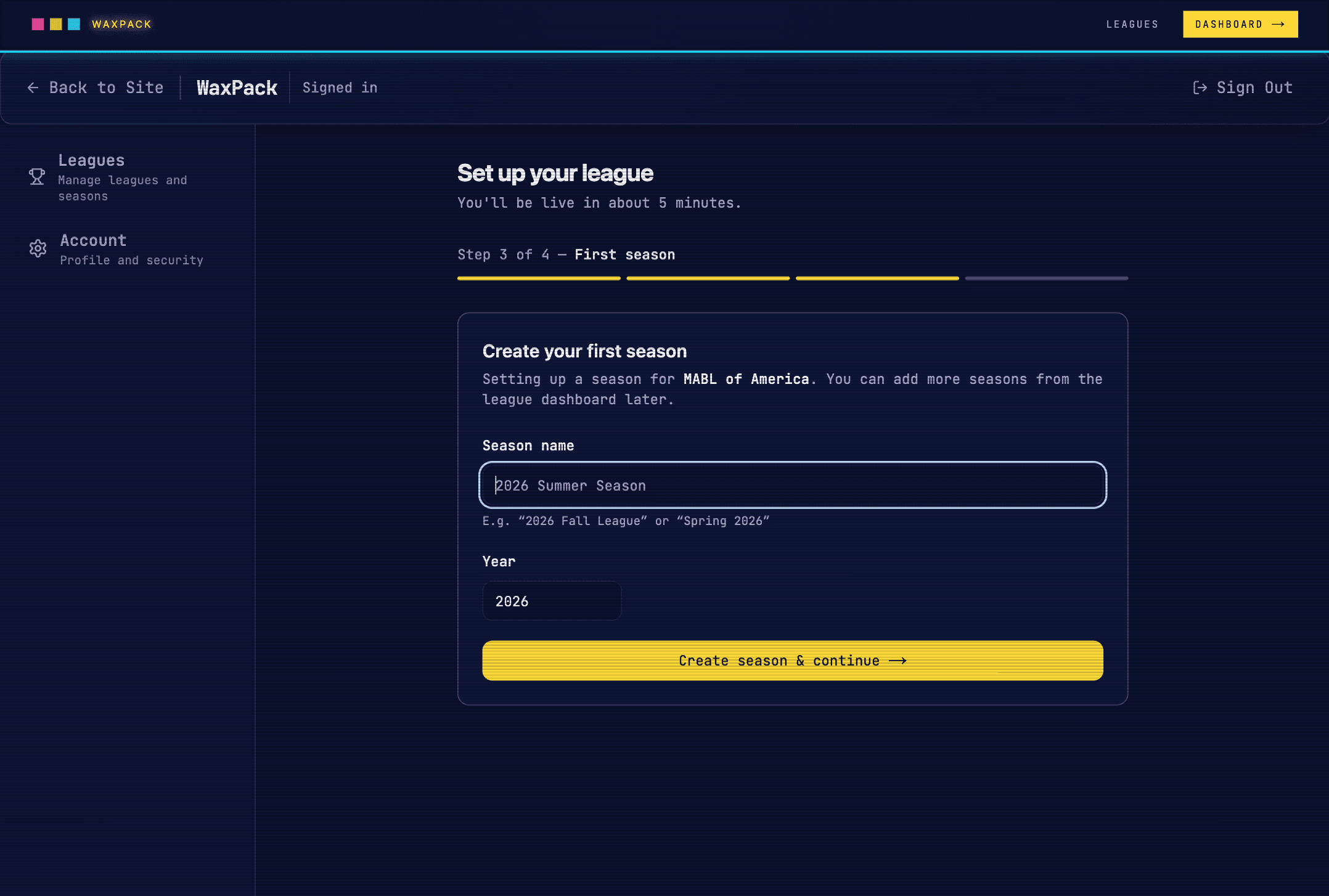
DASHBOARD · SET UP YOUR LEAGUE · STEP 3 OF 4 — FIRST SEASON
Upload your first stats
This is where you upload the CSV you exported from GameChanger. Your first upload is completely free. Once you click Upload & finish setup →, your league's public stats page goes live instantly — shareable link, leaderboards, player profiles, all of it.
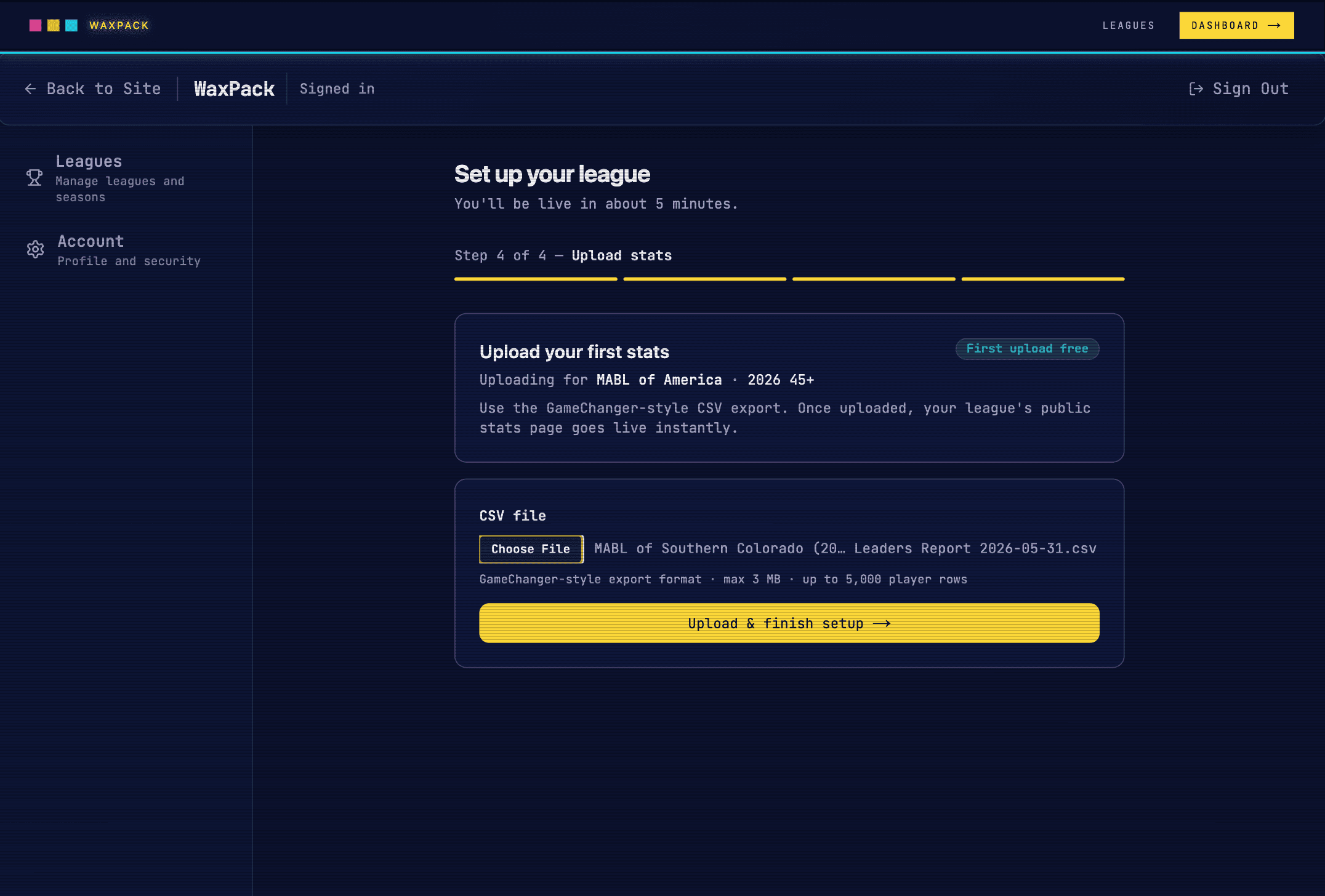
DASHBOARD · SET UP YOUR LEAGUE · STEP 4 OF 4 — UPLOAD STATS
waxpackstats.com/leagues/your-slug. Share the link with players, parents, and fans.◆ KEEPING STATS FRESH
After your first upload
Your league dashboard
After setup you land on your league dashboard. From here you can view your public stats page, manage seasons, and upload fresh stats as the season progresses. A banner appears once your free upload has been used.
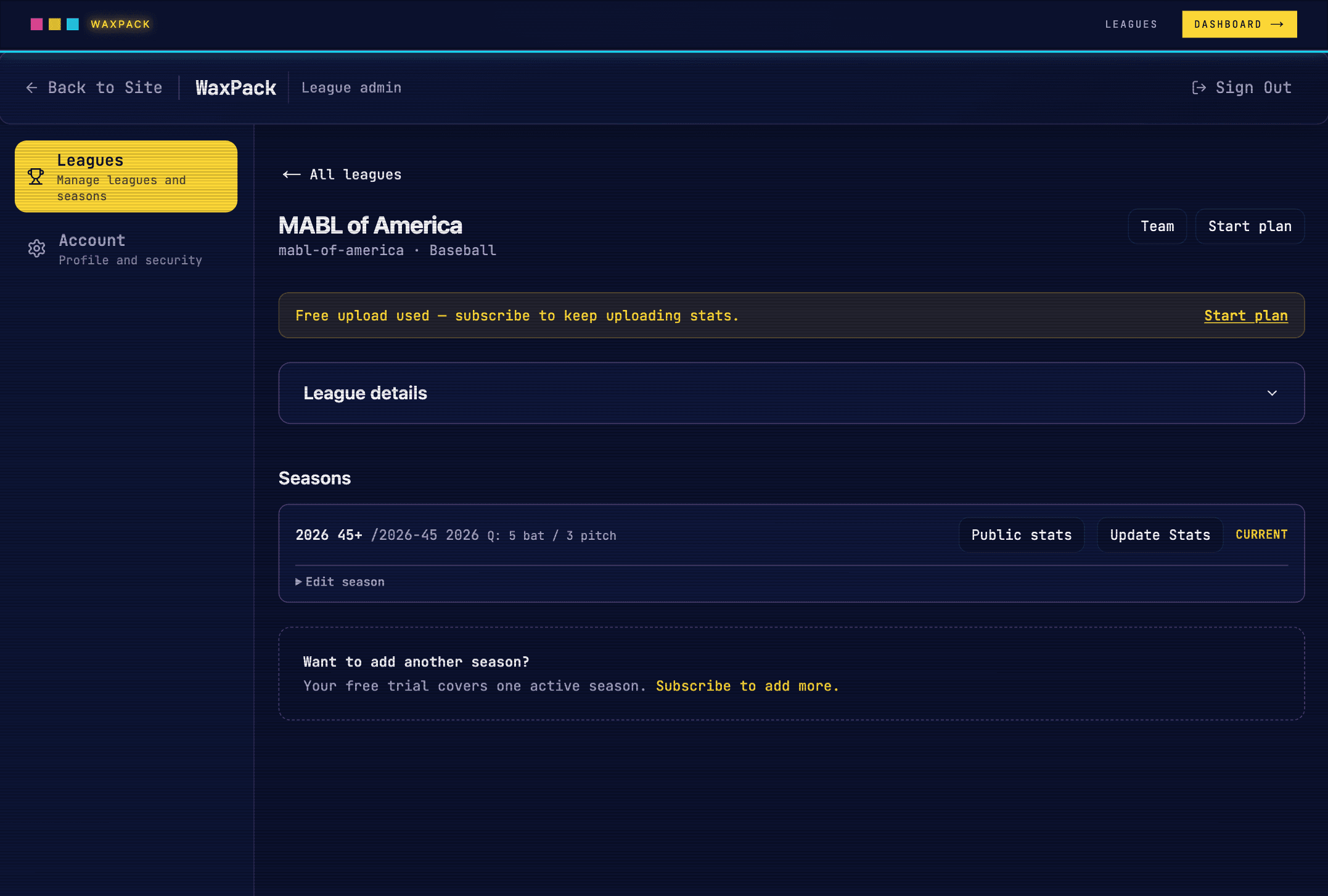
DASHBOARD · YOUR LEAGUE · MABL OF AMERICA
Update stats
When you're ready to publish fresh numbers — after more games are played — click Update Stats from your league dashboard. Export a new Leaders Report from GameChanger and upload it here. Each upload replaces the previous stats for that season.
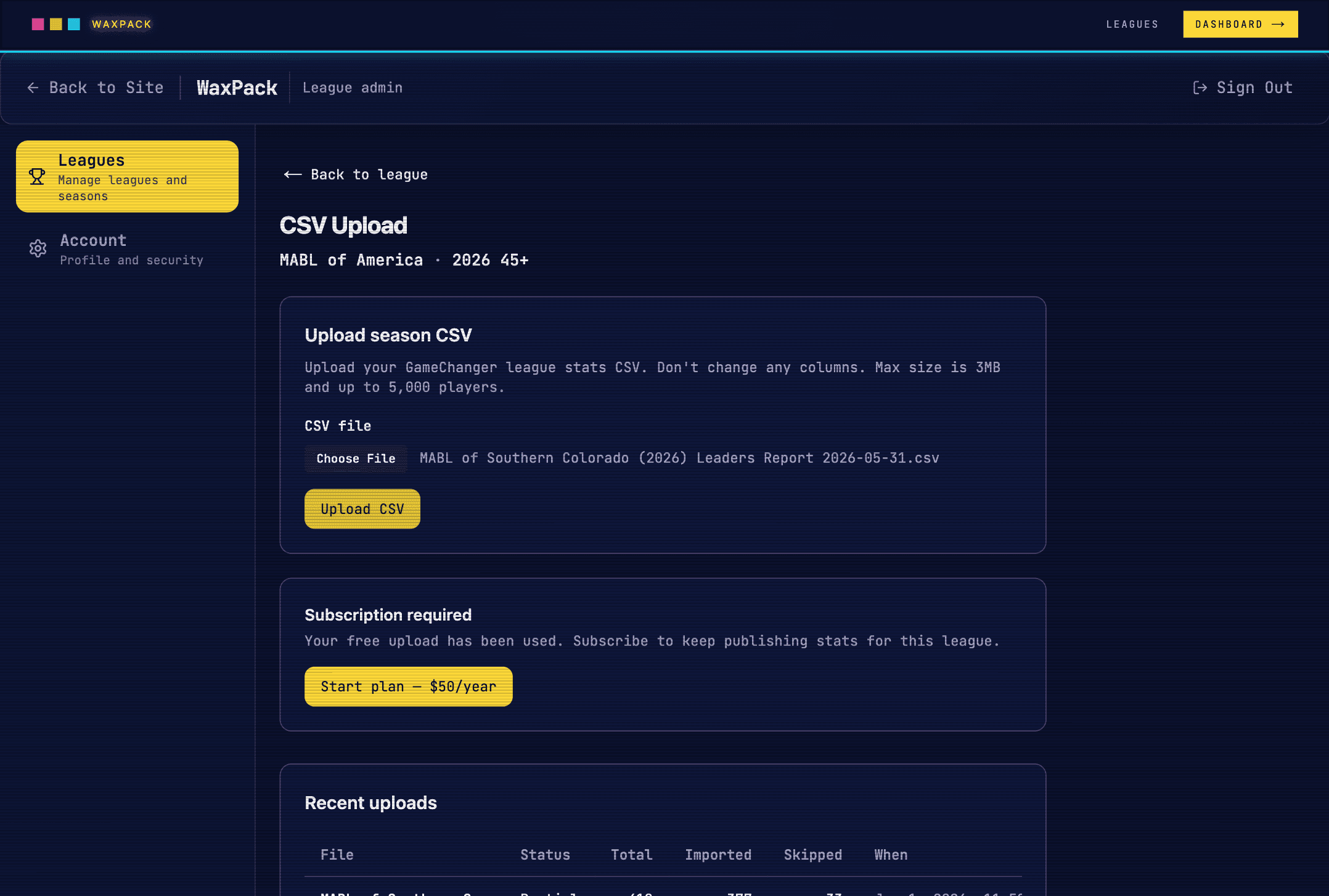
DASHBOARD · CSV UPLOAD · MABL OF AMERICA
Subscribe — $50/year
WaxPack costs $50/year per league — $4.17/month, billed annually. Stripe handles the checkout securely. Once subscribed, upload stats as often as you like for the rest of the year.
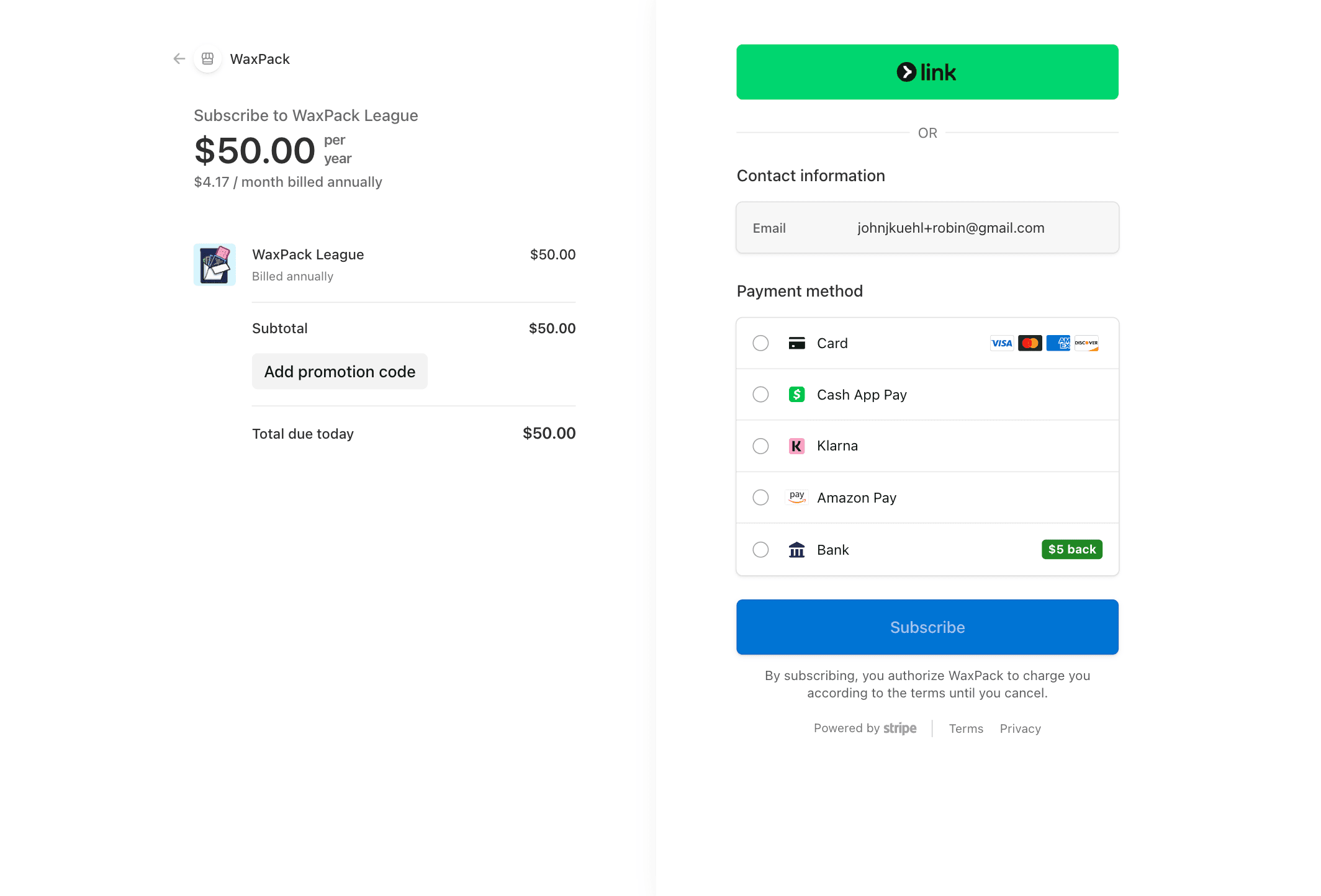
STRIPE CHECKOUT · WAXPACK LEAGUE · $50.00 / YEAR